
Who Gets to See What: Securing Workflows with Role-Based Access Control
Role-based access control gives each person only the access their job requires, which limits overexposure, accidental changes and untraceable incidents in video analytics and team messaging.
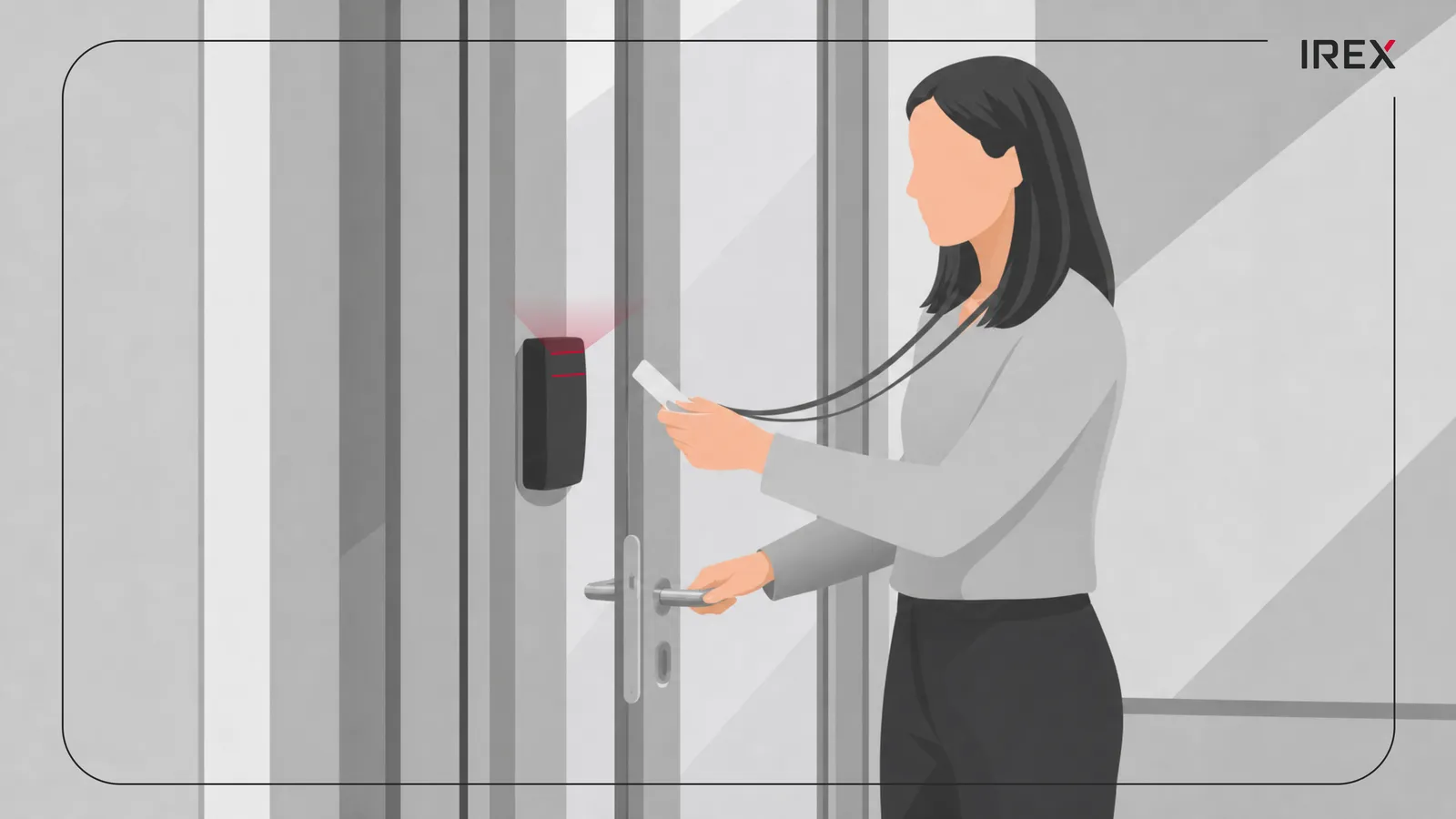
In a busy office, everyone has a keycard. Some cards open every door. Others open just one.
That’s the idea behind user roles and access permissions in video analytics platforms and designated messengers: the right people see the right things, at the right time, for the right reasons.
Why user roles matter
Roles turn chaos into order. Instead of giving each person a custom list of permissions, a system groups permissions into roles: Viewer, Operator, Analyst and Admin. People are then assigned to roles based on what they actually do.
This approach follows a simple rule: users get only the access they need to do their job. It reduces mistakes, limits damage if an account is compromised, and makes audits easier.
In video analytics, this might mean a security operator can view live feeds and flagged events, while a manager can export reports, and only a small group can change camera settings or delete footage. In designated messengers and communication platforms, it might mean most people can read channels, some can post comments, and a few can create or delete channels and manage integrations.
What can go wrong
When permissions are loose, three problems show up fast:
- Overexposure: Sensitive video clips, incident logs, or internal strategy chats become visible to people who don’t need them.
- Accidental changes: Someone clicks “delete” or “export all” without realizing the impact.
- Hard-to-trace incidents: If everyone has similar access, it’s difficult to figure out who did what after an issue.
Proper role design prevents these by separating duties. For example, the person who reviews alerts isn’t necessarily the same person who changes system rules or exports data.
Making it simple in practice
A practical setup usually looks like this:
- Define the actions: view, search, export, configure, delete, invite users.
- Group actions into roles: Viewer, Operator, Analyst, Admin.
- Assign people to roles, not individual permissions.
- Review regularly: remove old access, add new access, and track temporary permissions.
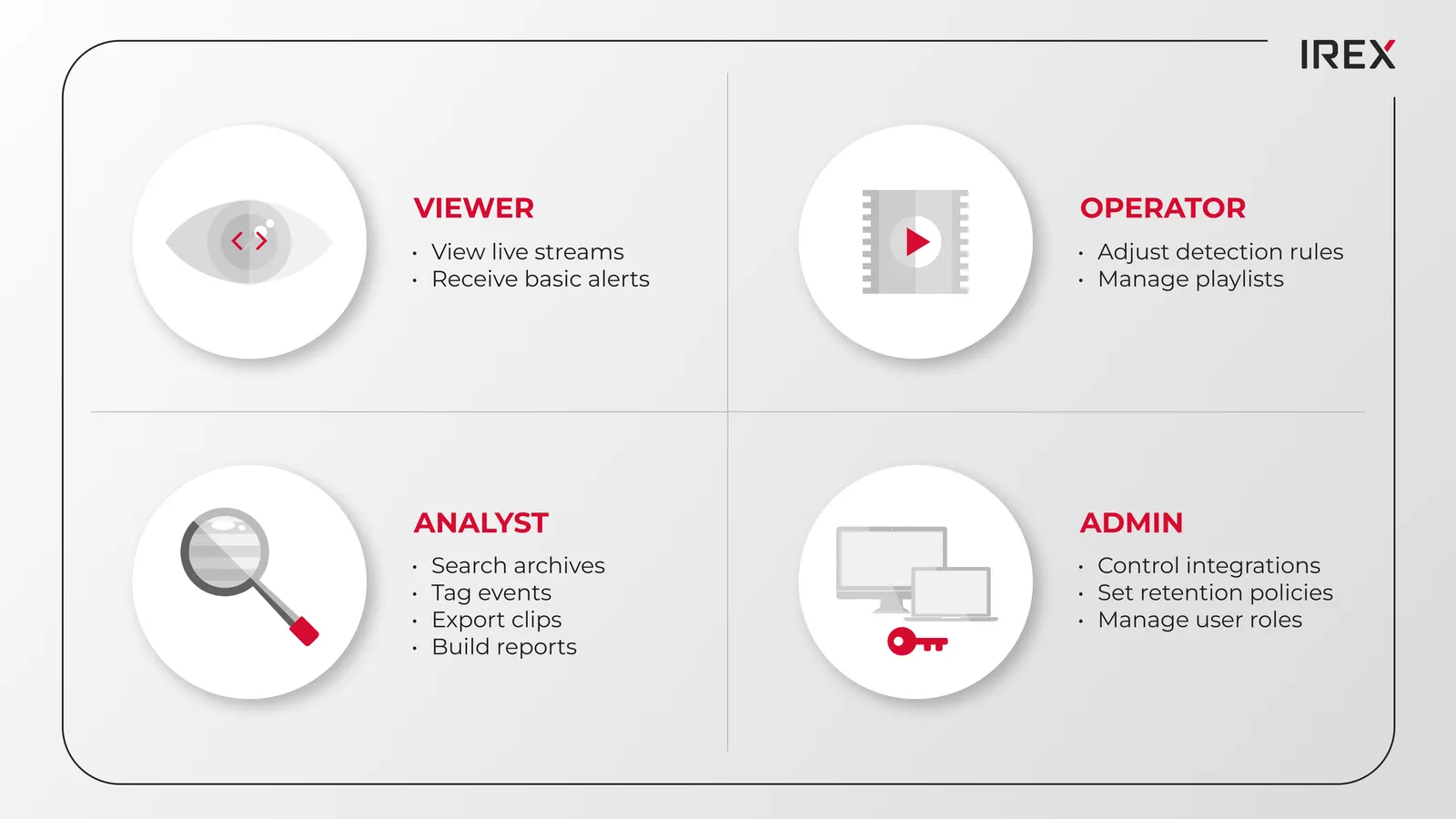
In video analytics, this means:
- Viewers can view live streams and receive basic alerts.
- Analysts can search archives, tag events, export clips and build reports.
- Operators can adjust detection rules and manage playlists.
- Admins control integrations, retention settings, and user roles.
In designated messengers:
- Members can read and post in assigned channels.
- Moderators can pin messages, manage threads, and remove spam.
- Owners create channels, set retention policies, and manage integrations.
This matrix ensures smooth workflow while securing sensitive actions like data exports and system modifications.
Preventing data leaks in export processes
Exports are often the most vulnerable points in terms of data leaks. A secure and structured workflow typically involves these key stages:
- Request: Analyst selects time range, cameras, and reason.
- Approval: A designated admin approves the export.
- Logging: The system records who requested, who approved, what was exported, and when.
- Delivery: Files are transferred to a secure location with limited access and a defined expiration date.
With roles in place, most users can’t bypass this flow. Only specific roles can start or approve exports, and every step is recorded in the audit log.
Role-based incident reviews
During an incident, speed matters, but so does control. Roles help here too:
- Operators see live alerts and can jump to the relevant camera instantly.
- Analysts can pull related events from the past hours or days, build a timeline, and tag key moments.
- Admins ensure the system stays stable, adjust retention if needed, and control who can share footage externally.
Instead of everyone having full access, the system grants temporary, task-specific permissions. Later, those extra rights expire automatically, and the audit trail shows exactly who did what.
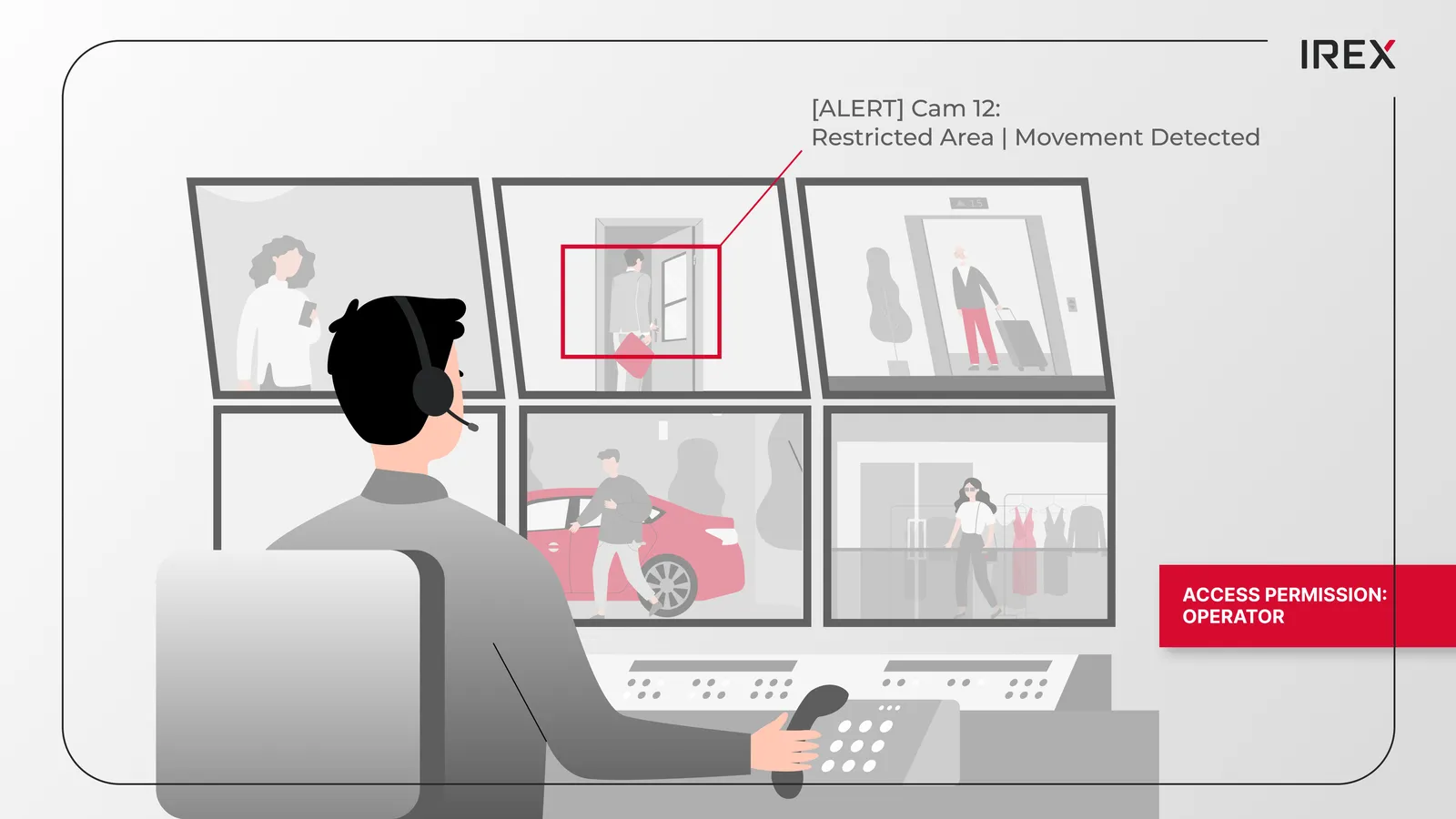
Permissions aren’t just about security, they shape behavior. People don’t second-guess every click, as they understand that some areas are restricted by design. Clear roles also make training easier. Teams change, systems grow, and new users quickly learn what they can and can’t do.
Establishing structured access controls and role-based permissions effectively safeguards your video analytics data and the workflows built around it. And as the camera network grows, the permission model doesn’t collapse into chaos.
About IREX
The IREX platform has role-based access control and accountability inbuilt by design. The system records a detailed log about all actionable items, which is fully searchable and auditable, from user login to data export.
In addition to its video analytics platform, IREX offers Sover, a self-hosted, highly scalable corporate messenger, that secures data within a closed, private circuit through role-based access, centralized administration and customizable end-to-end encryption.