
IREX Traffic Module: AI Detection for Driving without Insurance
IREX 4.41 adds Driving without insurance to the Traffic module: each recognized plate is checked against insurance records, and a missing policy becomes an evidence-backed violation.
MURRIETA, CA – IREX (IrexAI Inc.), developer of the IREX Ethical AI Platform for public safety, has added a new violation type to its Traffic module: Driving without insurance. Released in IREX 4.41, the feature checks each passing vehicle against insurance records. When no valid policy is on file, the platform records a violation with the evidence attached.
The check works like the registration status check already in the Traffic module. A camera reads the license plate of a vehicle moving through a defined zone. As the vehicle leaves the zone, the platform looks the plate up in the Vehicle insurance DB. If no record shows valid insurance at that moment, the platform creates a violation with a timestamp, the plate number and the captured frames.
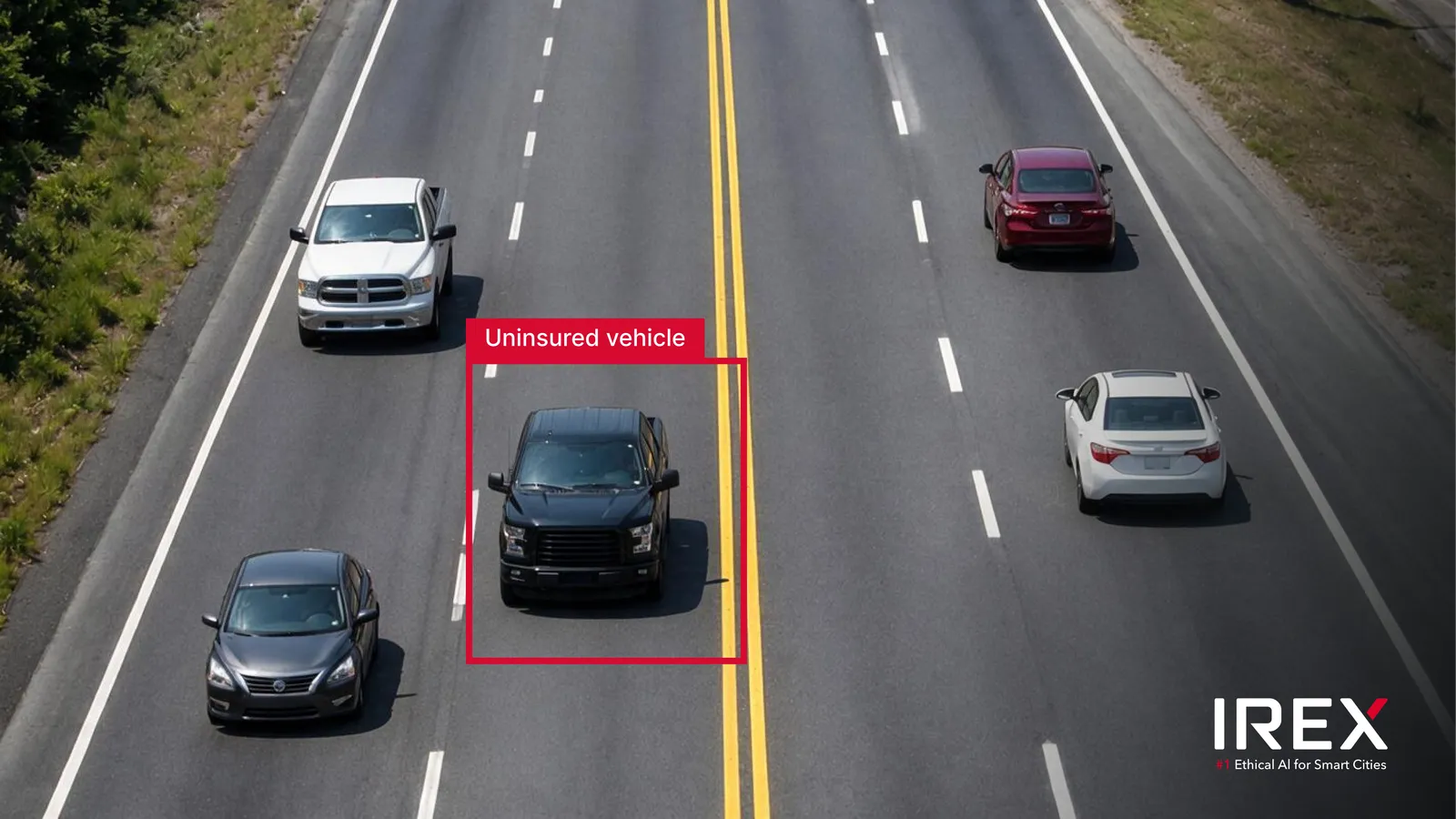
for illustrative purposes only
What Each Violation Record Contains
Each record carries the evidence a reviewer needs to confirm what happened. As the vehicle leaves the zone, the platform captures a full frame, a crop of the vehicle and a crop of its license plate. As it enters, the platform adds a full frame and a vehicle crop. Where an overview camera is bound to the same road object, it adds wide-angle frames at both moments.
The check is built to avoid false violations. If the database holds more than one record for a plate and any one of them is valid, no violation is created. Only plates from the countries set in the platform’s cluster settings are checked.
Setup Follows the Familiar Traffic Workflow
Insurance records live in a new Vehicle insurance DB tab on the Settings page. Each record holds a plate number and the dates the policy is valid from and until. The connected insurance records system keeps the database up to date.
Setup uses the same steps as other Traffic module rules:
- In the CarTrack Pro module, select Track vehicles with a recognized plate and set the object focal point to License plate center.
- Draw a Motion control area well inside the region of interest, so the captured vehicle image is complete rather than cropped.
- Bind the camera to a road object with the Insurance camera type.
- In Violation rules, add a Driving without insurance rule. Optionally, select an overview camera for extra frames.
- Turn on Driving without insurance control on the road object.
One camera can hold more than one role. A camera already set up for registration status checks can take the Insurance role as well, with no change to the camera network.
Why Insurance Checks Matter
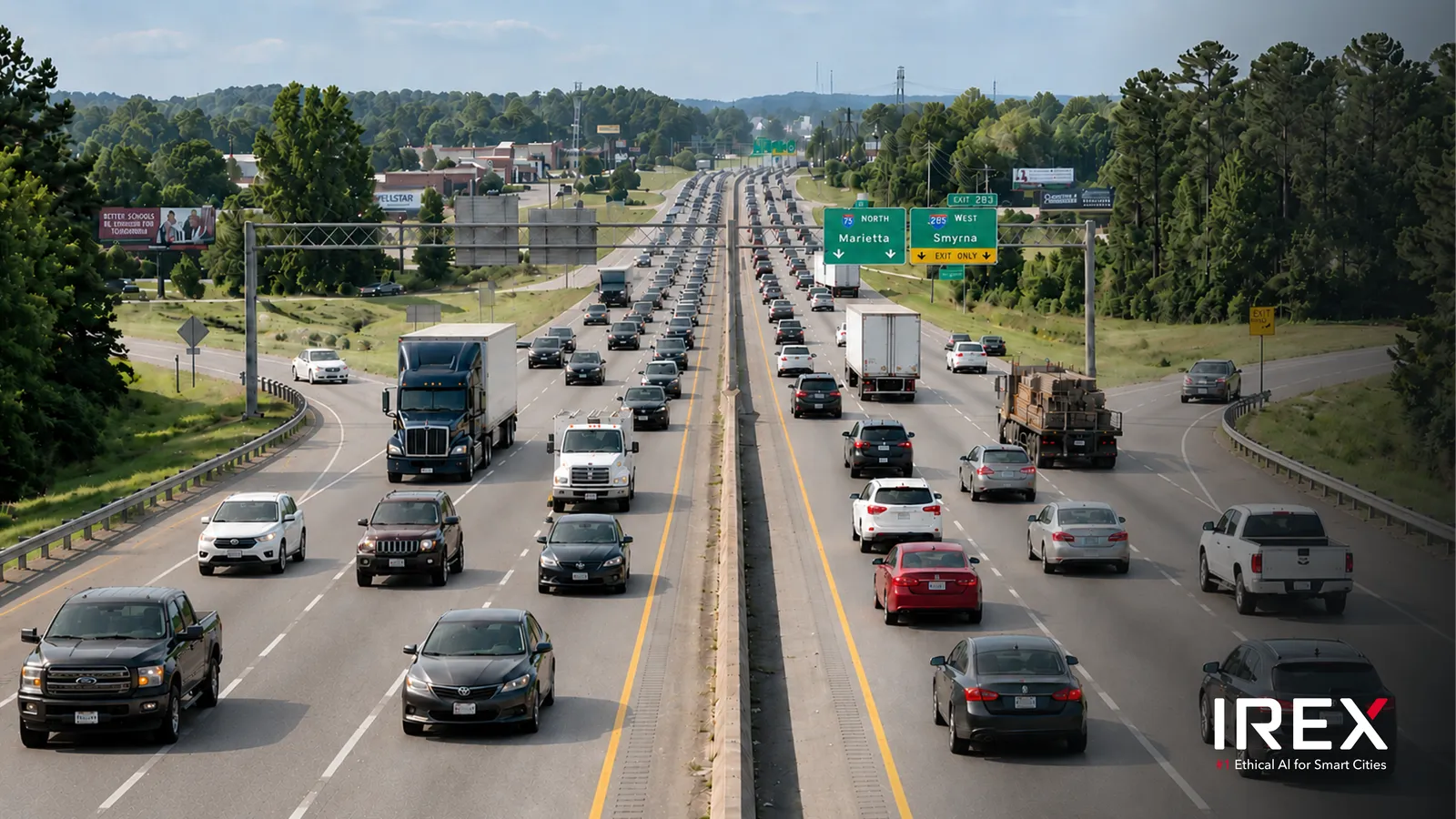
for illustrative purposes only
When an uninsured vehicle is involved in a collision, other road users and their insurers are left to carry the cost. Camera-based checks let traffic management teams focus enforcement where the risk is, using the cameras they already operate. Officers no longer need to stop vehicles at random to check documents.
People stay in the loop. Each violation appears on the Traffic violations page for an operator to review. Searching violations requires a Case ID, so every look-up is tied to a recorded reason. Plates are checked only against insurance records the agency connects and is authorized to use.
Availability
Driving without insurance is available now in IREX 4.41 as part of the Traffic module. It is turned on per road object and runs alongside other violation rules on the same road object, such as registration status, Opposite lane and Overtaking.
The full list of changes is in the IREX 4.41 release notes. Setup steps are in the IREX user guide.
About IREX
IREX is an Ethical AI Platform for public safety and traffic management. It turns existing camera networks into intelligent, auditable tools for cities, law enforcement and transportation authorities, while customers keep full control of their data.